

Rebrand safely with a staging brand
Test a new look in a staging copy while your live brand keeps publishing, then switch over now or on a set date.
Why a staging brand
A rebrand should not disrupt your live calendar. BrandOps9 makes a staging copy of your brand that you can rework and test while the current brand keeps running.
Start a rebrand
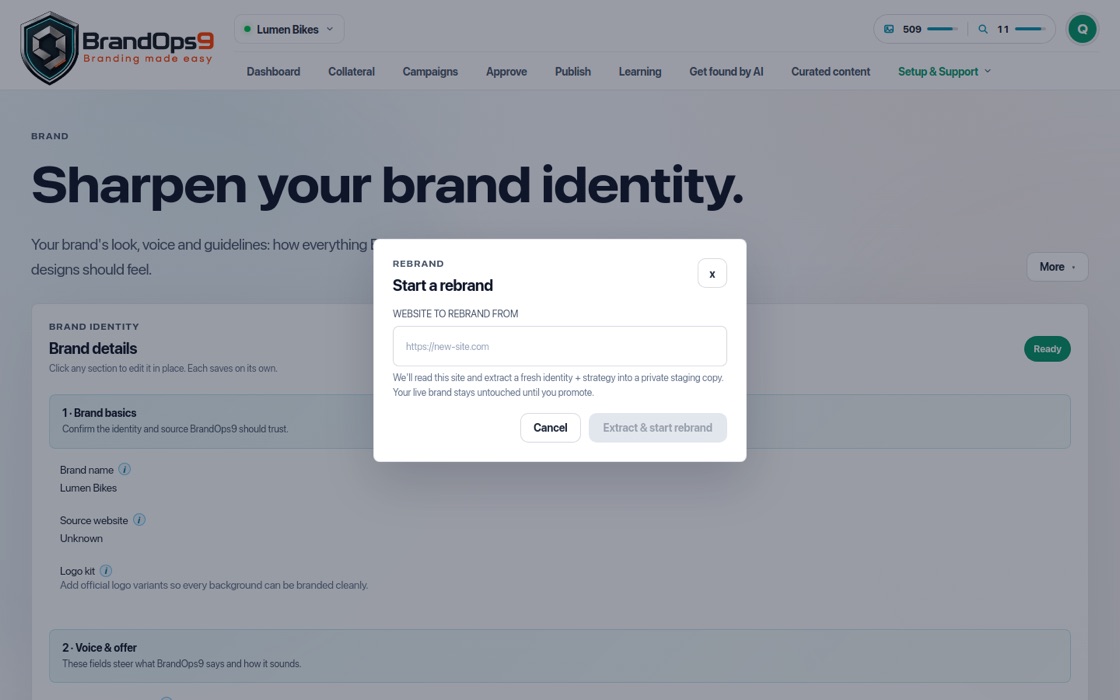
Open Setup & Support → Brand, open the More menu and choose "Start a rebrand". Enter the website to rebrand from and press "Extract & start rebrand". The staging brand appears in the brand switcher with a "Staging" tag.
Work on the new look
Change the brand, colours, tone and strategy on the staging brand, and create posts and documents to see the new look in action. None of this touches your live brand.
Go live
When you are happy, press "Promote to live" on the staging banner. Choose "Promote to live now" or "Schedule cutover" for a later date.
Changed your mind?
Choose "Restore previous look" in the More menu on the Brand page to go back to an earlier identity.