

Run several brands from one account
Manage several brands side by side, each fully separate, and switch between them in one click.
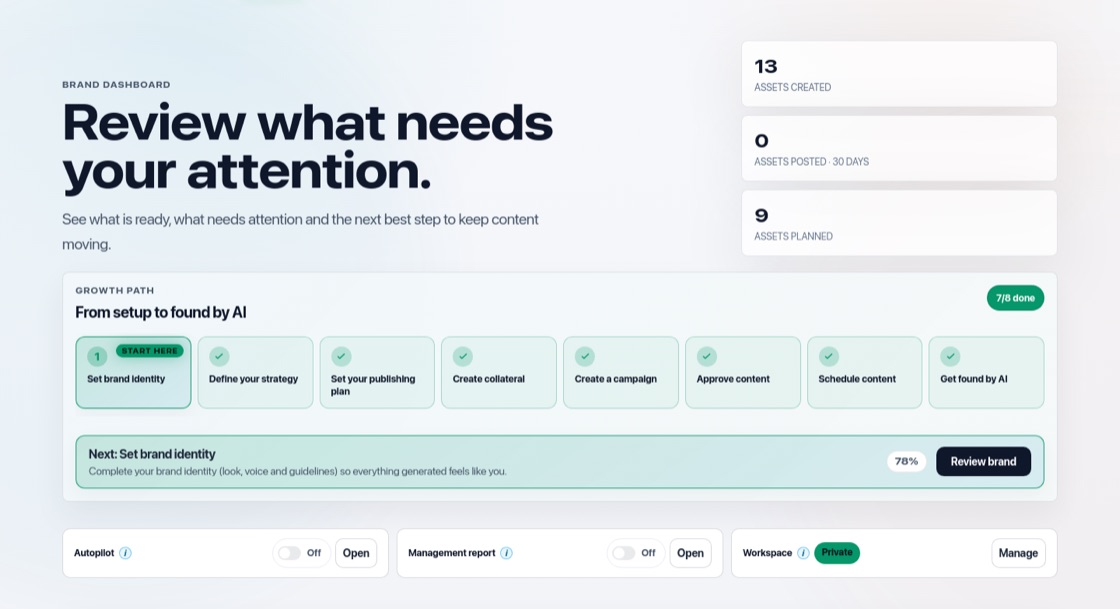
Many brands, one login
Each brand has its own brand profile, strategy, content, campaigns, schedule, connections, learning and team. Nothing is shared between brands. How many brands you can have depends on your plan. Autopilot works on several brands side by side, so one brand never waits long for another.
Switch brands
Use the brand switcher at the top left. Everything you see is always for the selected brand. Brands others shared with you are marked "Shared with you". Choose "Set as my default brand" in the More menu on the Brand page to open that brand first.
Add and share brands
Add a brand with "+ New brand" in the brand switcher. Invite people per brand in Team, so a colleague or client only sees the brands you share with them. Brands can also post through the same social account; see "Use one social account for several brands".