

Connect LinkedIn
Post to your LinkedIn profile or Company Page: the developer app steps and how to stay within LinkedIn's rules.
What you get
Once connected, BrandOps9 publishes posts with an image straight to your LinkedIn profile or a Company Page you manage. LinkedIn does not charge for this.
Company Pages also share results and comments with the learning loop.
Before you start
- A LinkedIn account. Posting to your own profile needs nothing else.
- To post as a Company Page: admin rights on that Page and access to LinkedIn's Community Management API. The development tier is enough to connect and test.
Connect it, step by step
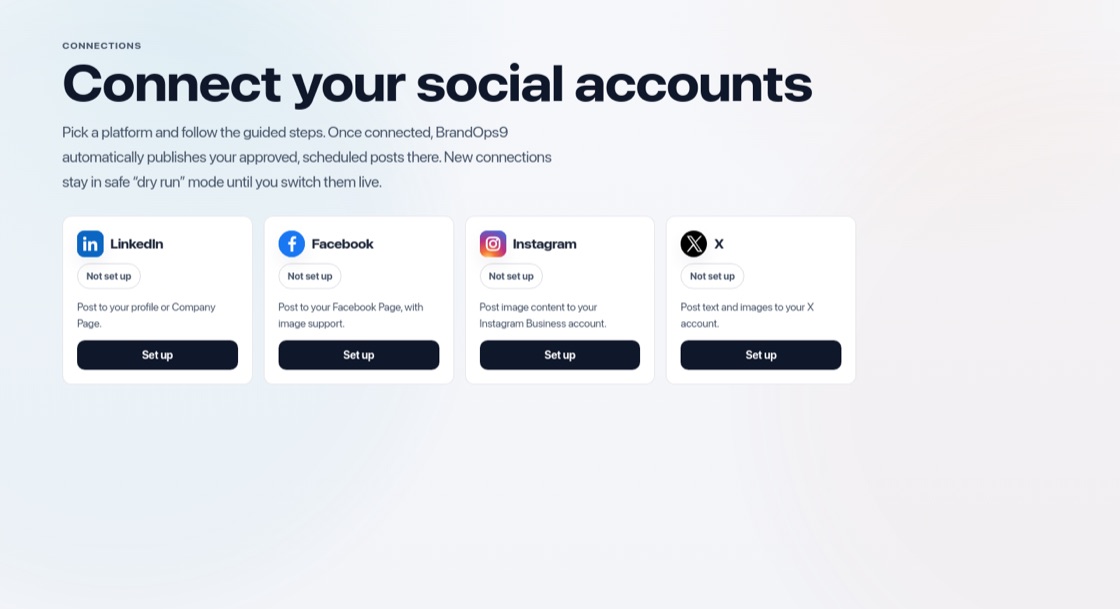
Go to Setup & Support → Connections, press "Set up" on LinkedIn and choose "Personal profile" or "Company Page". The guide walks you through four steps: what you need, create the app, add your keys, connect and test. For a personal profile:
- Open the LinkedIn Developer Portal and click "Create app".
- Name the app, link it to your LinkedIn Page and create it.
- On the Products tab, add "Sign In with LinkedIn using OpenID Connect" and "Share on LinkedIn".
- On the Auth tab, paste the redirect address BrandOps9 shows you into "Authorized redirect URLs".
- Copy the Client ID and Client Secret into BrandOps9, press "Save keys", then "Connect LinkedIn".
Posting as a Company Page
- Create the developer app and link it to the Company Page you manage. That Page is the only one the app can post to.
- Get the app verified: a Page admin approves the verification link LinkedIn creates.
- Add "Community Management API" on the Products tab.
- Copy the keys into BrandOps9 and connect. Request LinkedIn's standard tier when you need higher volume.
Test safely
Choose "Dry run (safe)" as publishing mode to try the whole flow without anything going live, then switch to "Live publishing". Press "Test connection" at any time.
Stay within the rules
- Keep a human rhythm. About one post a day is plenty.
- Post original, professional content. LinkedIn penalises spam, clickbait and misleading claims.
- Avoid engagement groups, mass connecting and automatic messages.