

Connect Instagram
Publish image posts to your Instagram professional account, using the same Meta app as Facebook.
What you get
BrandOps9 publishes image posts to an Instagram Business or Creator account. Instagram uses the same Meta app as Facebook and does not charge for this. Every Instagram post needs an image.
Before you start
- An Instagram Business or Creator account (switching is free in Instagram's settings).
- That account linked to a Facebook Page you manage.
- A Meta developer account.
Connect it, step by step
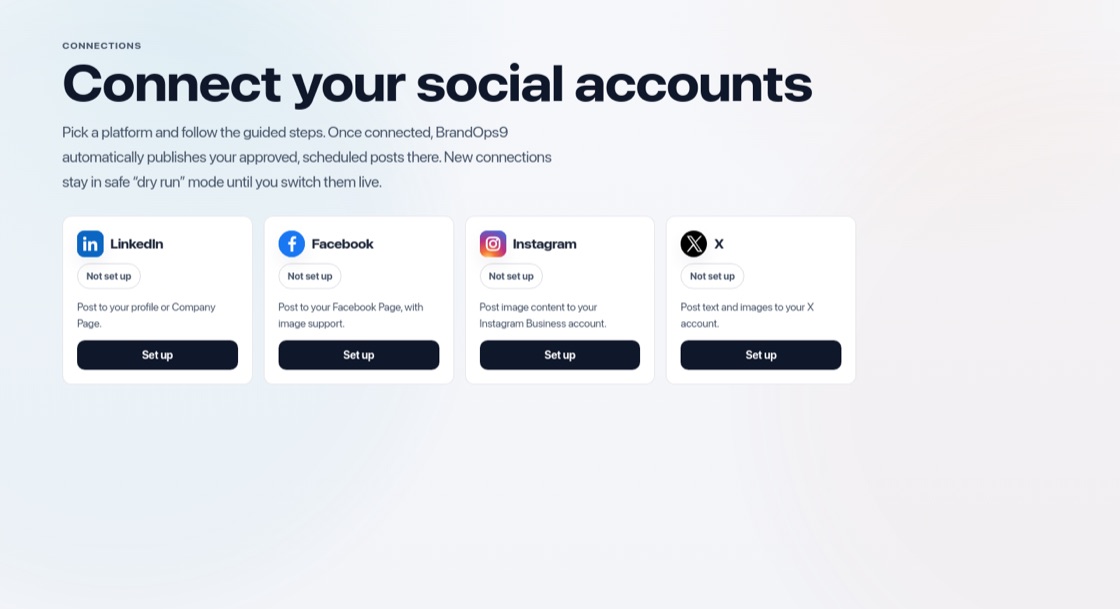
Go to Setup & Support → Connections and press "Set up" on Instagram, then:
- In the Instagram app, switch to a professional account and link it to your Facebook Page.
- Create a Meta app ("Other", then "Business") and add "Facebook Login for Business", or reuse the app you made for Facebook.
- Paste the redirect address BrandOps9 shows you into "Valid OAuth Redirect URIs" and save.
- Copy the App ID and App Secret into BrandOps9, press "Save keys" and "Connect Instagram".
Stay within the rules
- Post original content and follow Instagram's Community Guidelines.
- Do not stuff captions with dozens of hashtags.
- Never buy followers or engagement, and keep a natural posting rhythm.