

Connect Facebook
Publish to your Facebook Page: the Meta app steps and how to avoid Page penalties.
What you get
BrandOps9 publishes posts with an image to a Facebook Page you manage (not a personal profile). Meta does not charge for this. Facebook also shares full results and comments with the learning loop.
Before you start
- A Facebook Page you manage.
- A Meta developer account (developers.facebook.com asks for a one-time registration).
- As the Page's own admin you can connect without Meta's app review.
Connect it, step by step
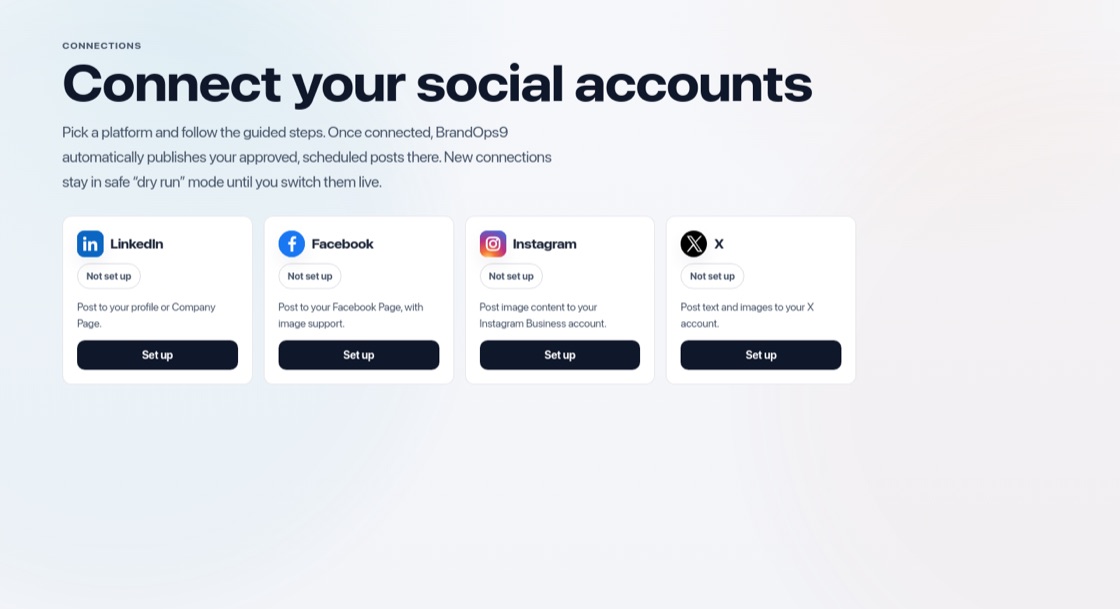
Go to Setup & Support → Connections and press "Set up" on Facebook, then:
- Open developers.facebook.com → My Apps and finish the registration if asked.
- Click "Create app", choose "Other" and then "Business", name it and create it.
- Add the "Facebook Login for Business" product.
- Under its settings, paste the redirect address BrandOps9 shows you into "Valid OAuth Redirect URIs" and save.
- Open App settings → Basic, copy the App ID and App Secret into BrandOps9, press "Save keys" and "Connect Facebook". Keep every Page permission ticked.
Stay within the rules
- Follow Meta's Community Standards and avoid engagement bait such as "like and share to win".
- Do not post the exact same text again and again.
- Only post images you have the right to use.