

Approval emails
The emails that keep approvals moving: the daily digest, notifying approvers, and how approvers review and comment.
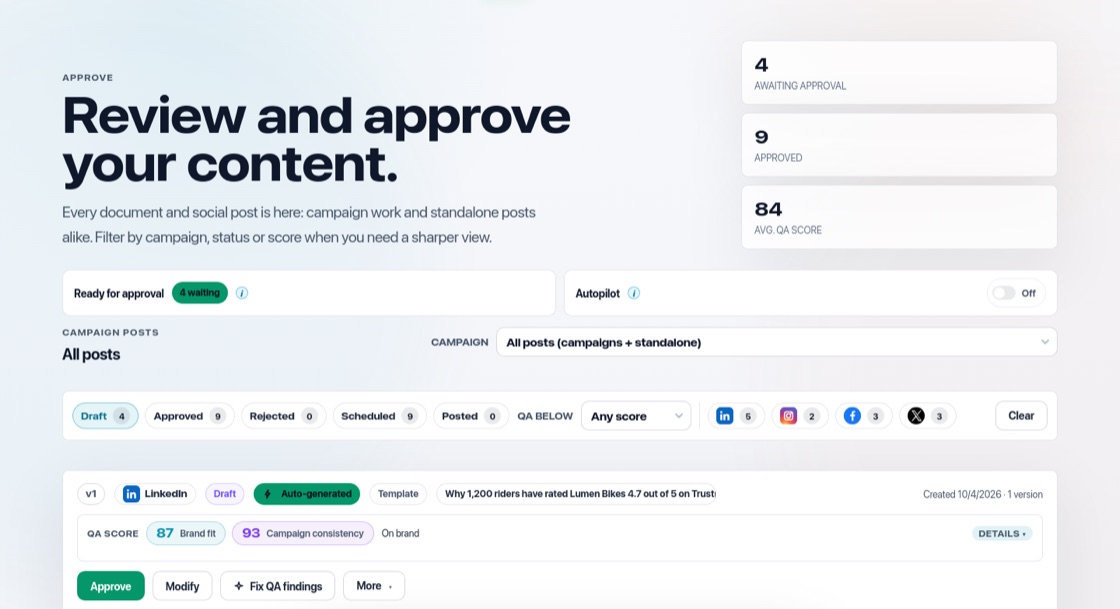
Two kinds of approval email
- The daily digest: sent to you and your Content approvers when posts or documents are waiting.
- Notify approvers: press it on the Approve page to email everyone who can approve right away.
Review from the email
Each email shows the waiting items. The buttons open that exact post or document in BrandOps9. Approvers sign in with their own account, which keeps approvals secure: a forwarded email cannot be used to approve on someone else's behalf.
Comments
When approvers request changes, they add a note on what to change. The note appears on the item, marked "Changes requested", and the item shows up under "Needs your attention" on your Dashboard.
Choose who gets them
Turn "Content approval emails" on or off in Setup & Support → Notifications. You cannot switch them off while you are the only person who can approve.